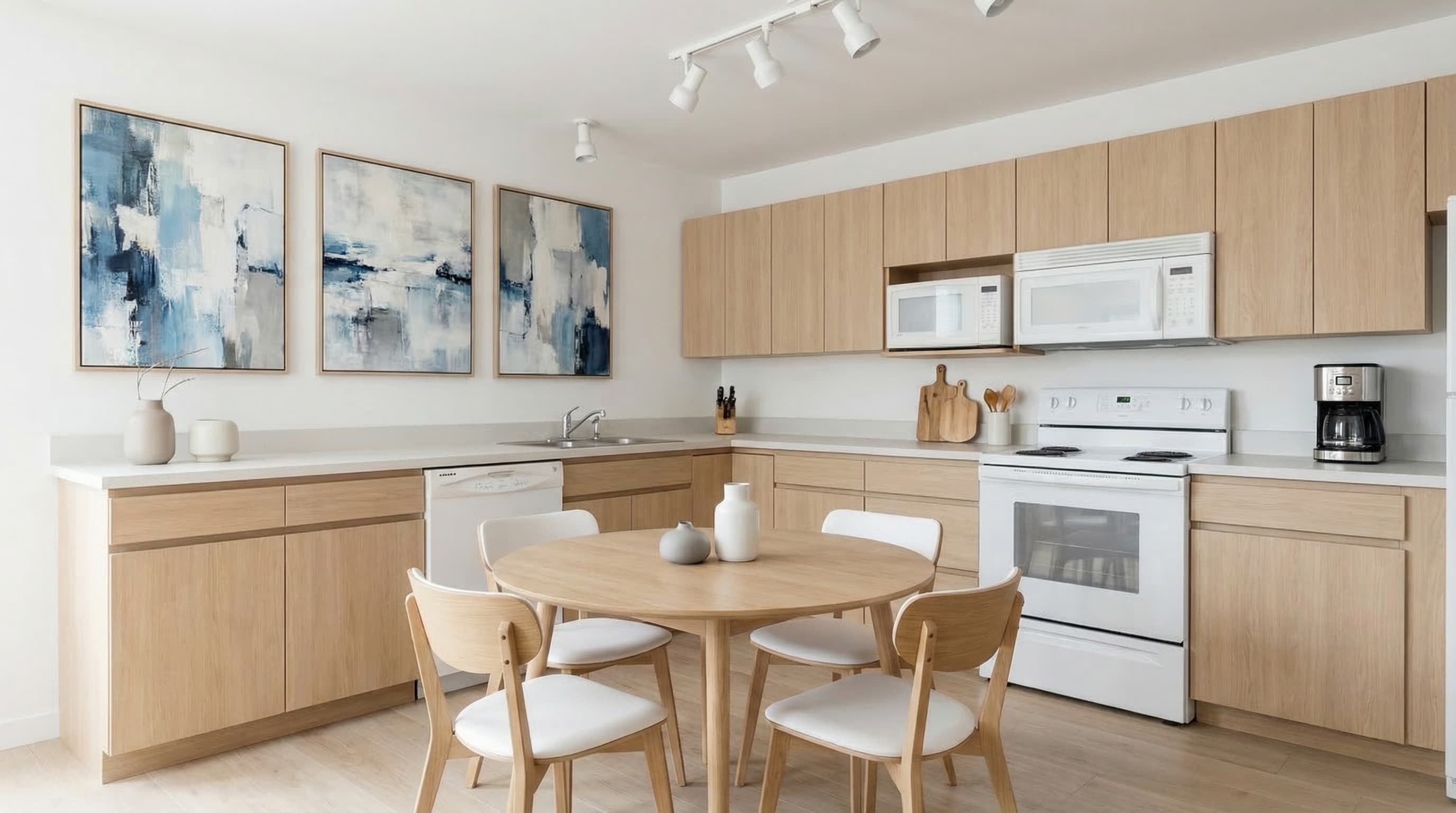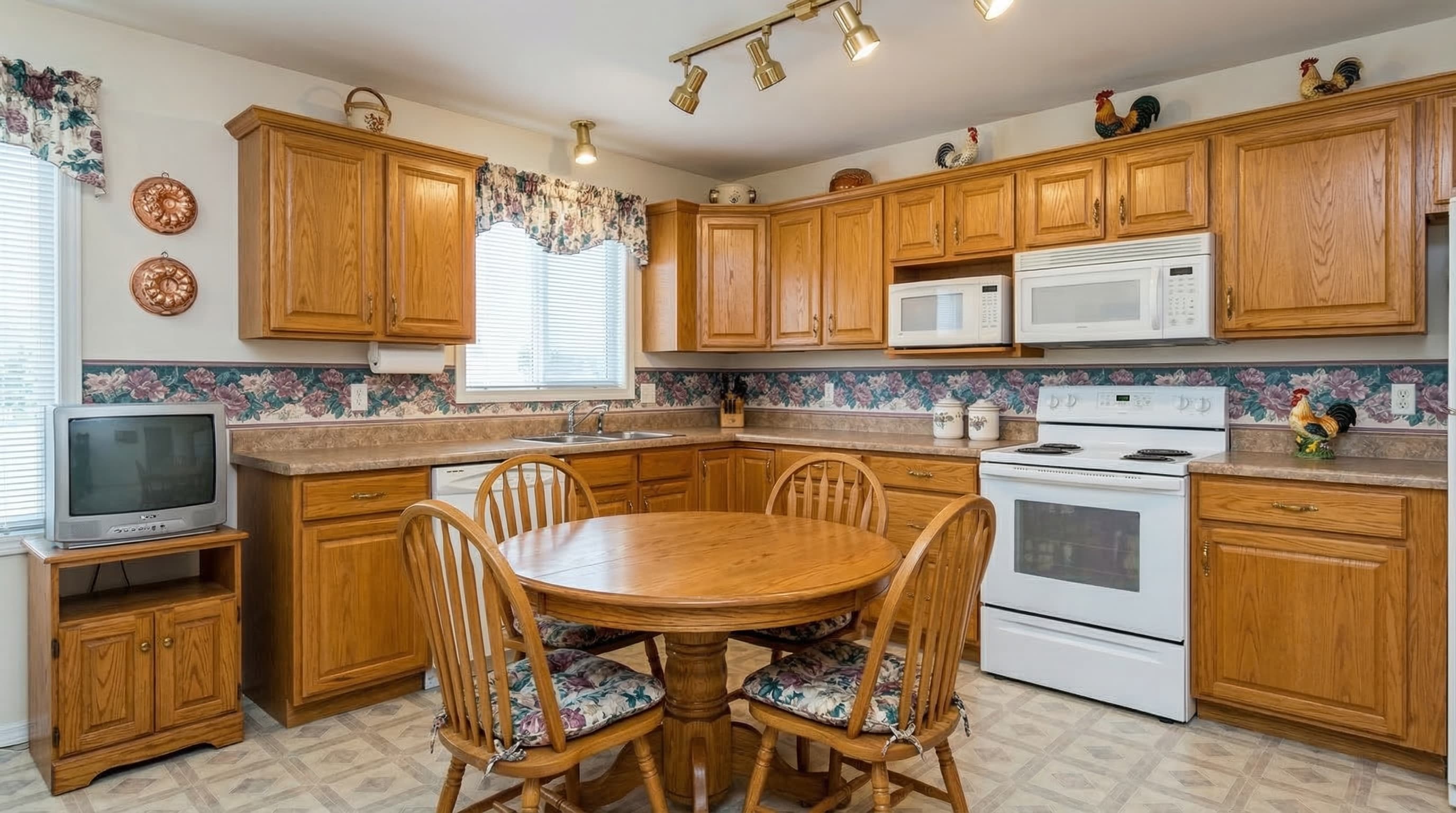
Nordic
Light wood, off-white, clean lines and lots of natural light. Perfect for homes and urban proposals.
INTERIOR AI · BESTVIEWS
BestViews is the interior AI that turns any photo into a realistic interior design proposal. Change styles, materials and layouts in seconds — no 3D renders, no manual moodboards, no waiting.
For homes and pros: interior designers, architects, decorators and home stagers who want to visualise ideas instantly.
20 free credits · No card required · Cancel anytime
Interior AI is the application of artificial intelligence to interior design: you upload a photo of a space — empty, dated or pre-refurb — and get realistic visual proposals in different styles, materials and layouts, generated in seconds. What used to take days of moodboards, renders and revisions is now solved with one image and a click.
Unlike a 3D render, which starts from a manually-built model in SketchUp, Blender or Lumion (days of modelling and hours of rendering), interior AI works directly on your real photo. It detects the geometry, identifies floors, walls, ceilings and windows, and reinterprets the space with a new style while keeping the architecture intact. Zero modelling.
BestViews is the interior AI built for professionals and homeowners who need to communicate a visual idea fast: interior designers presenting moodboards to clients, architects exploring atmospheres before the project, decorators showing material combinations, home stagers complementing their service, and homeowners who want to see how their living room would look before buying furniture or refurbishing.
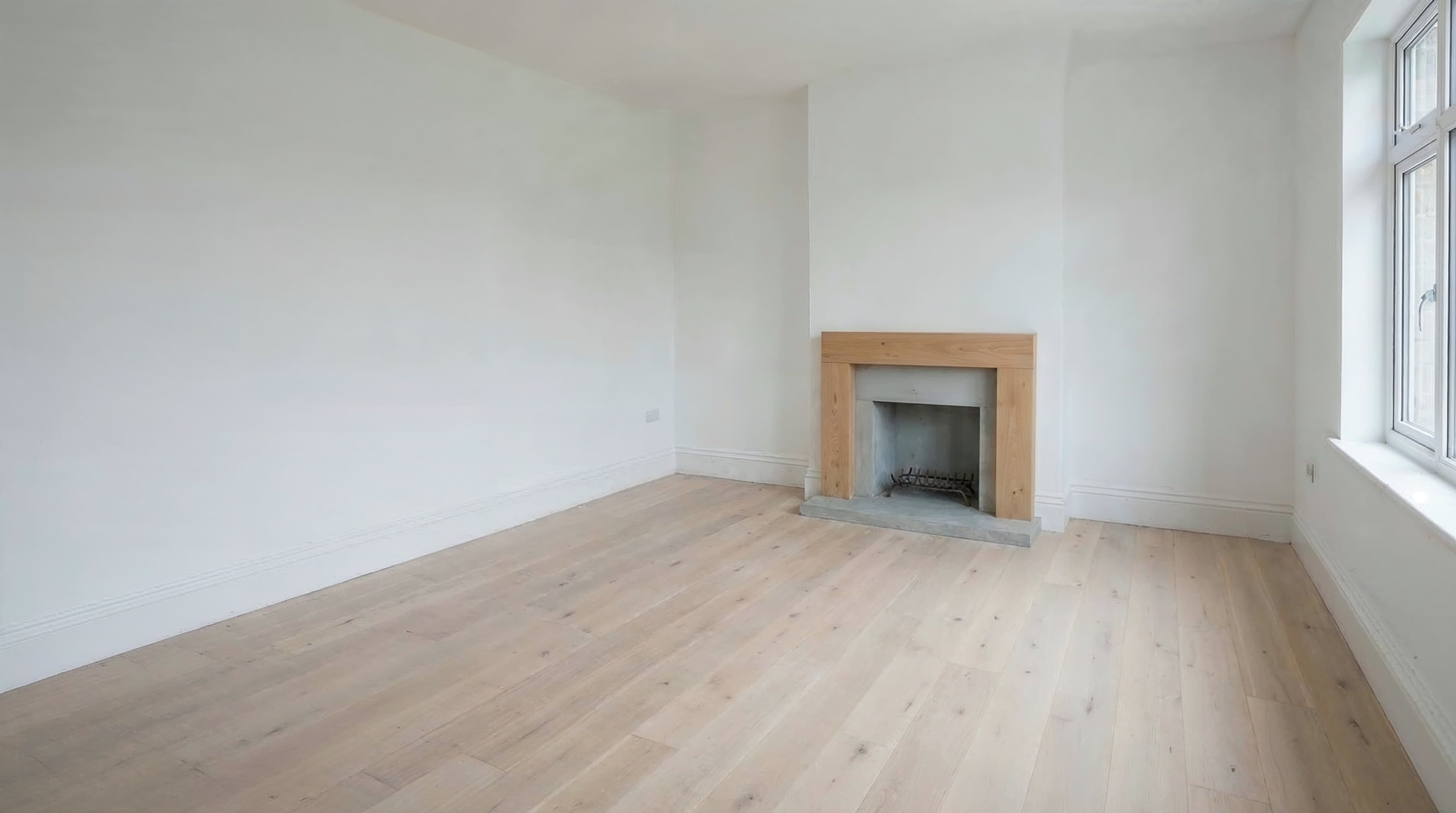
It can be an empty room, an existing space or a room that needs a new design proposal.
Select from different interior design styles to generate new visual interpretations.
In seconds you will get images ready to present to your clients.
Each tool has its place. This comparison helps you decide when to use interior AI and when to stick with traditional tools.
| Interior AI (BestViews) | Traditional 3D render | Manual moodboard | |
|---|---|---|---|
| Time per proposal | 15-30 seconds | 1-3 days | 4-8 hours |
| Cost per proposal | From £0.40 | £150-£500 | £50-£200 (time) |
| Architectural fidelity | Preserves your photo | Exact modelling | Illustrative |
| Style changes | Unlimited, instant | Re-render | Redo by hand |
| Learning curve | None | High (3D software) | Medium (collage/Photoshop) |
| Best for | Explore, present to client, sell fast | Final technical project | Conceptualise palettes |
What works in most studios: use interior AI for the first 3-5 proposals you take to the client and reserve 3D rendering for the final project. You speed up the sales phase without losing technical quality in the build phase.
Each style applies to your photo in seconds. Change tones, materials and furniture without touching the architecture.
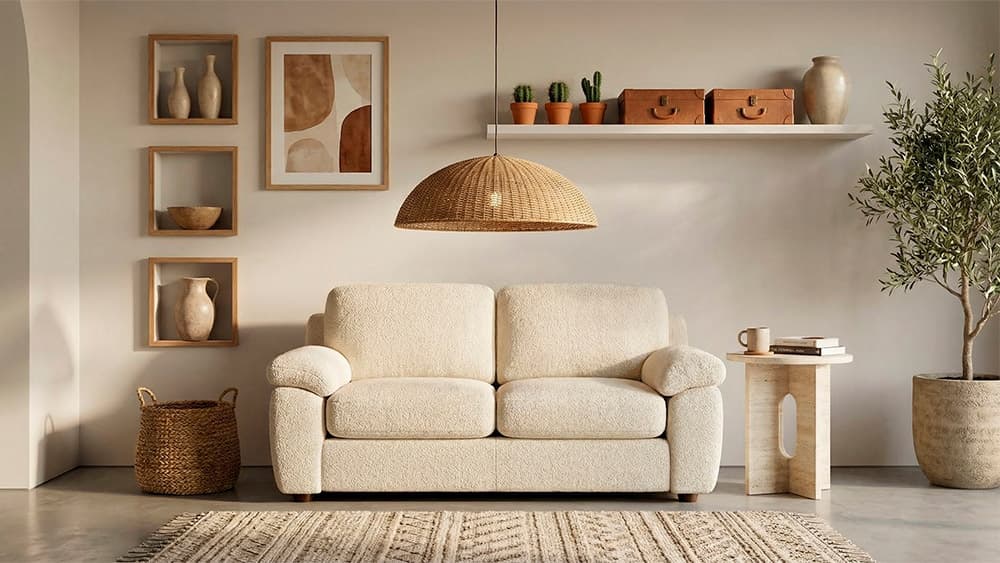
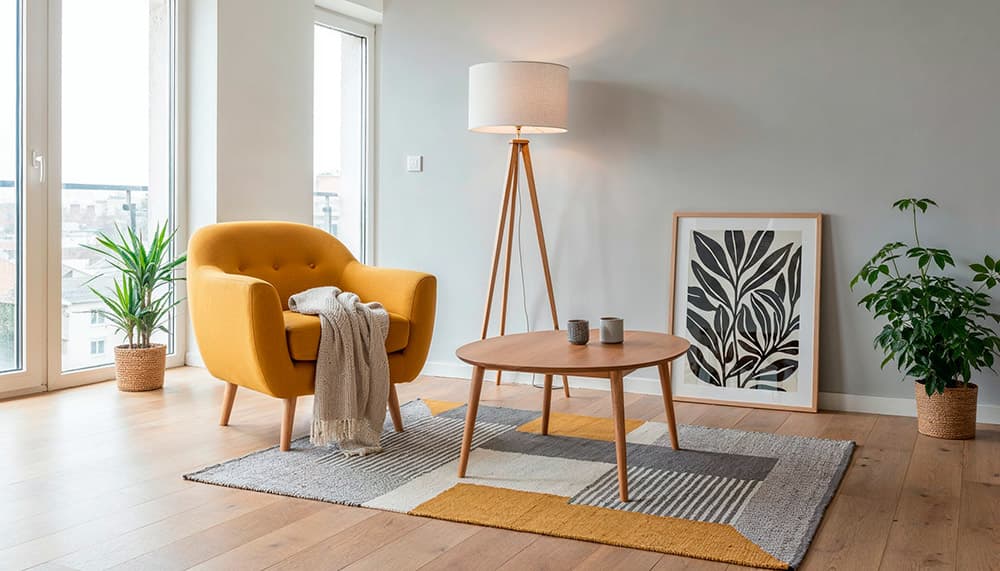
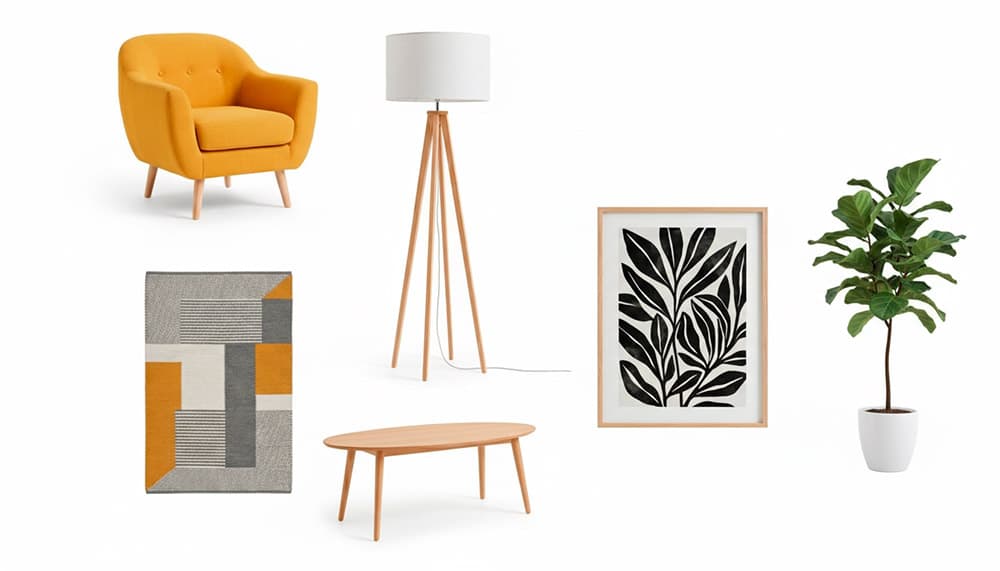
Light wood, off-white, clean lines and lots of natural light. Perfect for homes and urban proposals.
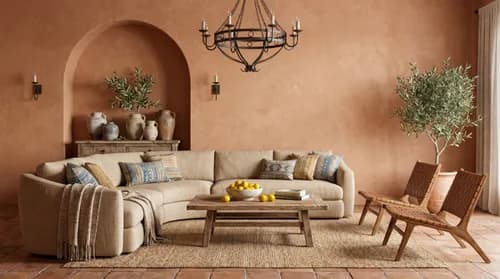
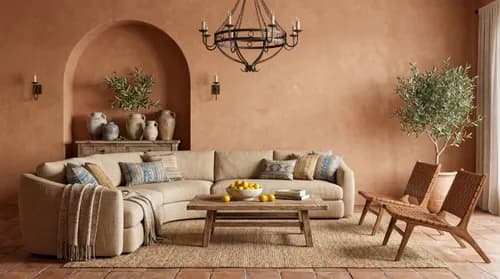
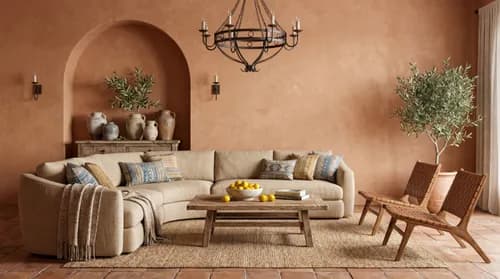
Earth tones, artisan ceramics, natural fibres. Connects with clients who want warmth.
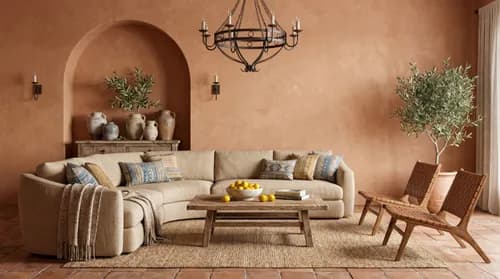
Restrained furniture, neutral palette. Maximises sense of space in small rooms.
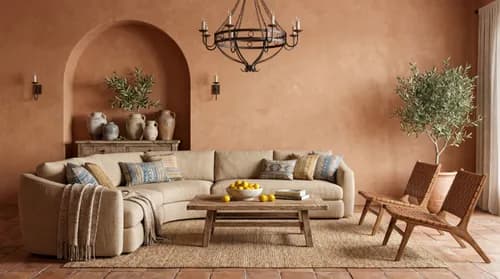
Metal, distressed wood, exposed brick. For lofts, top-floor flats and central refurbs.
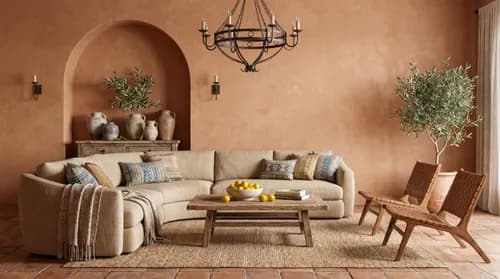
Current furniture, fresh colours, comfort-design balance. The "one-size-fits-all" for general clients.
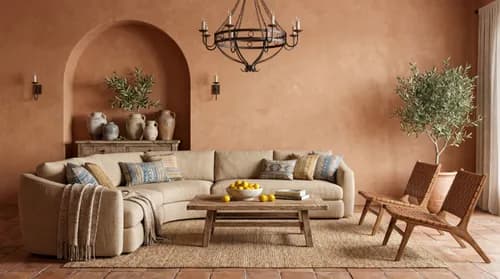
Chesterfield sofa, rugs, shaded lamps. Fits period properties and stately buildings.
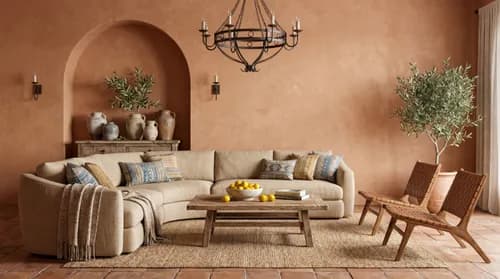
Mixed textures, plants, kilim rugs. Appeals to creative and younger buyers.
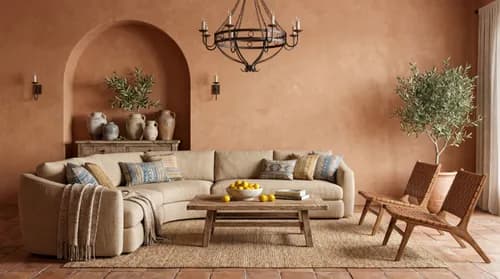
Nordic + Japanese fusion, soft lines, natural materials. Premium trend.
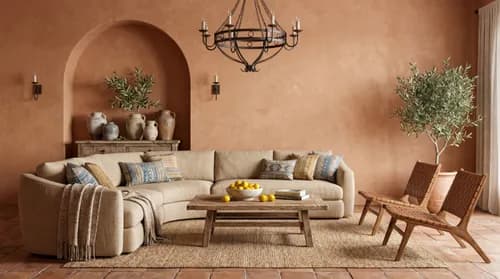
Solid wood, stone, warm tones. Country houses, exposed-beam homes.
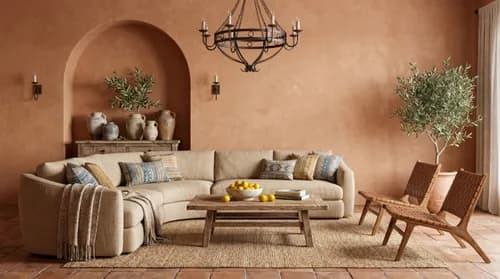
50s-60s design, organic lines, mustard and bottle green. For defined tastes.
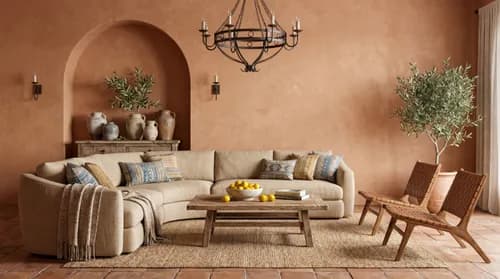
Marble, brass, velvet upholstery. Penthouses and premium new builds.
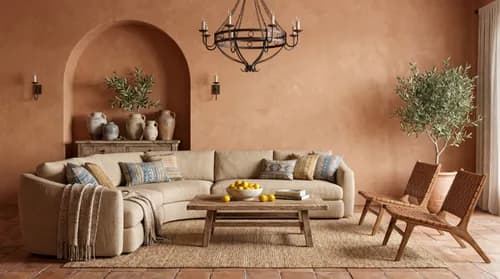
Big sofas, large dining area, kid-friendly spaces. For family-home refurbs.
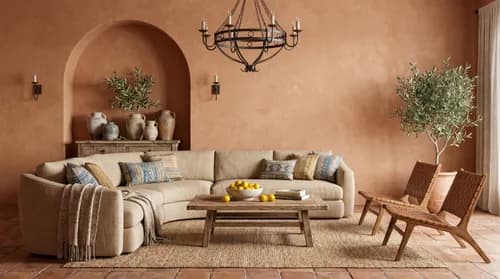
Soft blues, whites, plant fibres. Second homes, coastal properties.
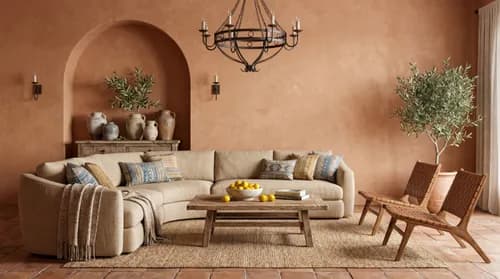
Compact furniture, vivid colour. Young city households, optimised rentals.
Work-from-home setup included. Increasingly demanded by buyers and refurbishers.
Need something bespoke? Combine styles, ask for specific tones, or iterate on the same proposal until it clicks.
"I used to spend days preparing a decent moodboard for clients. With Interior Studio I generate realistic proposals in minutes and the first meeting is on a completely different level."
"My clients now instantly understand what I'm proposing. I used to need many conversations to align expectations. The images speak for themselves."
Present multiple design proposals in minutes, without costly renders.
Visualise layouts and atmospheres before developing the project.
Show style and material combinations instantly.
Complement staging with redesign proposals for owners.
Differentiate properties by showing their decorative potential.
Any professional who needs to communicate visual ideas quickly.
Six scenarios where interior AI replaces hours of manual work:
Instead of spending an afternoon assembling a Photoshop collage, generate 3-5 proposals with interior AI in 5 minutes and bring real options to the first meeting. Speed up the project sales phase.
Before investing days in modelling and rendering, validate the right atmosphere with the client. Save rework on the final render when the client changes their mind.
For homeowners: see how your living room would look with a new sofa, a new colour palette or a flooring change before spending £3,000 on a 10-year decision.
Quick visual comparisons to decide whether to paint, knock down a wall or make a bigger change. Reduce uncertainty before asking refurbishers for quotes.
If you already use BestViews to furnish empty properties, interior AI broadens your pitch to the owner: alongside selling faster, you show the property's potential after a refurb.
Furniture and decor stores: show how your product looks in different living room styles, instantly. Ideal for e-commerce product pages or social.
Interior Studio only, or the full ecosystem with 8 tools and video.
This tool only
or £11/mo billed annually
No commitment · Cancel anytime
Need all the tools?
All plans include personal Library, Projects and support. No commitment.
Interior AI is the application of artificial intelligence to interior design: you upload a photo of a space — empty, dated or pre-refurb — and get realistic visual proposals in different styles, materials and layouts, generated in seconds. It replaces manual moodboards and dramatically cuts the time from idea to client presentation.
It uses generative image AI models (image-to-image) that analyse the real geometry of your photo — floors, walls, windows, perspective — and reinterpret the space applying a new style. It keeps the original architecture intact and only changes furniture, materials and decoration. No 3D modelling or technical skills required.
No, it complements. AI is a fast visualisation and exploration tool — perfect to present 3-5 client options in minutes instead of days. Real furniture selection, technical finishes, site supervision and aesthetic judgement remain the professional's job. It speeds up the selling and concept phase, not the execution.
3D renders start from a model built in SketchUp, Blender or Lumion (1-3 days modelling + hours of render) and are technically accurate. Interior AI works on your real photo in 15-30 seconds, much cheaper and faster, ideal for conceptualising and selling. Most studios use both: AI for first client proposals, 3D for the final project.
Interior AI uses 2 credits per image at 2K and 4 credits at 4K. With the Interior Studio plan at £14/month you get 75 credits — 37 images at 2K or 18 at 4K. The Basic (£29), Starter (£49) and Pro (£99) plans include more credits and the rest of the toolset.
No. Just upload a photo and select one of the 15+ available styles (Nordic, Mediterranean, industrial, Japandi, luxury, etc.). The AI generates the visual proposal automatically. As simple as choosing a filter, with professional-quality results.
Both. In an empty room the AI adds full furniture according to the chosen style. In a furnished room it replaces existing furniture with the new proposal while keeping walls and architecture. We recommend straight, well-lit photos with the room as clear as possible for best results.
Yes. You can request specific changes: floor type (wood, microcement, porcelain tile), wall colour, ceiling type or lighting. The AI applies these changes keeping the rest of the space coherent. Useful for preparing material options in a refurb proposal.
Yes, 100%. Walls, windows, doors, beams, floors and proportions remain intact. It only transforms furniture, surface materials and decoration. This guarantees that the visual proposal is buildable on the real space.
More than 15 styles: Nordic, Mediterranean, minimalist, industrial, contemporary, classic, boho, Japandi, rustic, mid-century, contemporary luxury, family, coastal, young urban and home office. Each with its own colour palette, furniture and characteristic materials. You can combine styles or request specific adjustments.
Yes. Each generation is independent and you can repeat it on the same source photo changing style, colour palette or instructions. It's common to generate 3-5 variants until you land on the proposal that fits the client. No iteration limit — only credit cost.
Yes, for both. Residential: homes, second residences, family refurbs. Commercial: offices, retail, restaurants, hotels, short-term rentals. Styles adapt to the use of the space. For retail and hospitality, Industrial, Boho and Contemporary Luxury stand out particularly.
It is preserved. The AI detects perspective, vanishing lines and depth of your photo before applying the redesign. New furniture and elements are generated coherent with that perspective. If the photo is heavily distorted (extreme wide-angle or close-up), apply the Perspective tool first or capture a straighter photo.
Between 15 and 30 seconds per image. Time does not depend on style or room size. You can queue multiple generations simultaneously and download them when ready. For a typical 5-proposal client session, you have them all in 3 minutes.
Yes. Images download in 2K (enough for digital presentations, mobile, web) or 4K (for professional print, physical dossiers, exhibition panels). Format is high-quality JPG with no watermarks.
The generated images are yours for commercial use without restrictions. You can include them in client presentations, project proposals, social media, professional portfolio or advertising. No required attribution or extra licences. We do not recommend claiming them as original authored work (they are not human creation), but they're fine as visual support to your process.
Not directly — those are parametric 3D modelling tools, while Interior AI is image-to-image (works on JPG/PNG photos). The typical flow is complementary: use Interior AI to validate concept and sell the client, then model the final project in your usual CAD/3D tool with the approved proposal as visual reference.
Yes, one of the strongest use cases. It lets you show the client how the space would look once refurbished without having started the works. Generate variants to help them decide whether to paint, change floors, knock down walls or do a full refurb. Greatly reduces uncertainty before asking refurbishers for quotes.
1) First meeting with client: photograph the existing space on your phone. 2) Back at the studio, generate 3-5 proposals with Interior AI in different styles. 3) Second meeting: present proposals as visual moodboards instead of textual explanation. 4) Iterate on the chosen option until direction is locked. 5) Move to 3D render or execution as needed. Saves 4-8 hours of manual moodboard per project.
Photorealistic. The AI generates furniture, materials and lighting with visual quality indistinguishable from a professional interior photo. Quality has improved a lot in 2024-2026: they are often mistaken for high-budget photorealistic renders.
Virtual Home Staging is focused on furnishing empty properties for real estate sale — AI decides the furniture for you, optimised to sell. Interior AI is designed for professionals who need control over styles, materials and atmospheres, with more customisation. If you sell properties, use Home Staging. If you design interiors, use Interior AI.
All three full plans include the 8 professional tools (Lighting, Cleanup, Stylize, Exteriors, Perspective, Home Staging, Interior Studio and 3D Floor Plans) plus AI property videos. Difference is volume: Basic 150 cr/mo (£29), Starter 300 cr/mo (£49), Pro 600 cr/mo (£99). The complete AI visual production ecosystem.
Bold terms are the synonyms that appear most often in related searches.
Transform any photo into a realistic interior design proposal ready to present to your clients.
Includes free credits to try Interior Studio.
Start freeUpload a photo of the space and generate different design interpretations to show your clients new possibilities. Drag the slider to see before and after.
Space decoration
Client furniture proposal
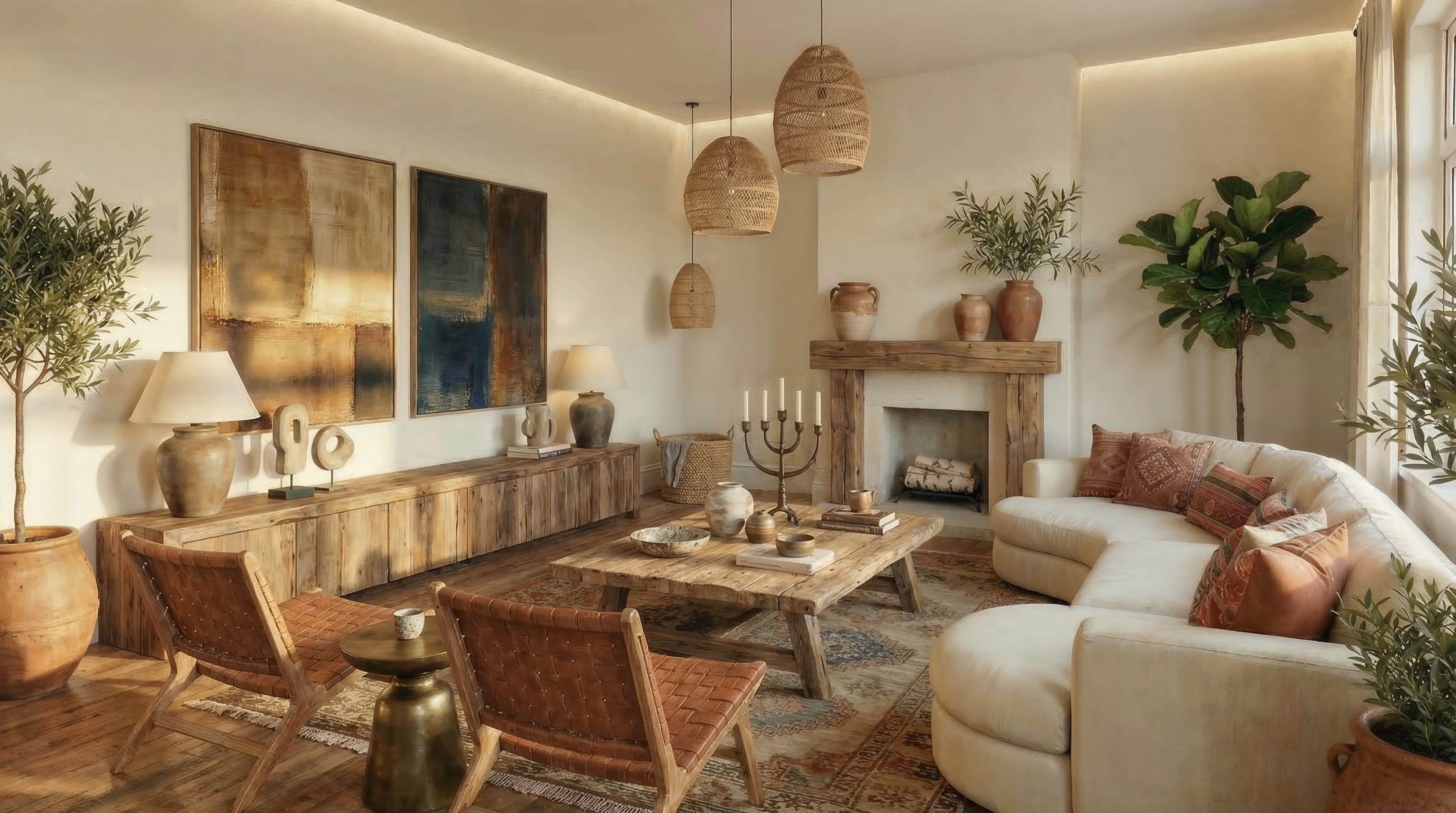
Complete Living room Proposal
Example Presents proposals in seconds
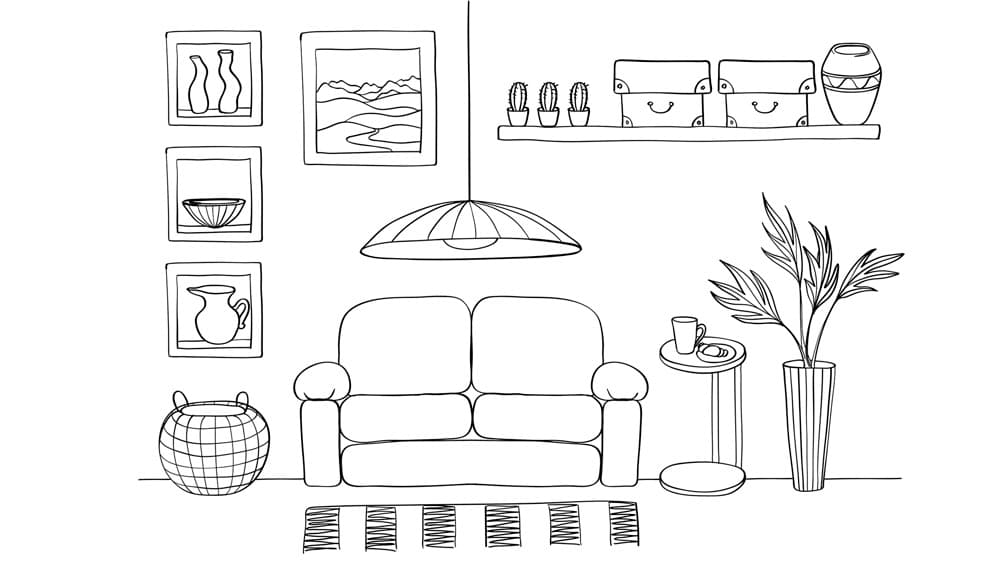
From drawing to Living Room
Draw freehand and wow!!
kitchen dining room
Complete restyling